

Macxvideo AI v3.14.0 (260507) for Mac
Macxvideo AI from Digiarty (MacXDVD) is an all-in-one Mac video toolkit: AI enhancement, format conversion, compression, screen recording, and light editing—with GPU acceleration for heavy 4K/8K work.
Build label 260507 is the installer/build stamp; feature set aligns with the public V3.14 line.
What’s new in V3.14
- Image AI — Face Restoration: new models Rebuild (heavily damaged/blurred faces), Fidelity (preserve original features), and GFPGAN (low-resolution recovery)
- Better face detection for oversized or uneven facial regions
- Super Resolution stability on entry-level GPUs; fixes such as black screen issues during upscale
Face restoration can pair with Super Resolution for sharper eyes, skin, and hair on old or soft portraits.
Core capabilities
AI video: super resolution (up to 4K/8K-class workflows), stabilization, frame interpolation, denoise/deblur.
AI image: upscale, face recovery, colorization of monochrome photos.
AI audio: vocal separation / noise suppression for cleaner voice tracks.
Convert & compress: broad format support (vendor cites 370+ inputs / 420+ outputs), batch jobs, up to ~90% size reduction claims for compression presets.
Edit & record: cut, crop, merge, subtitles, filters, speed control; screen capture including high-FPS options in current marketing.
Local processing: marketed as on-device / local AI processing for privacy-sensitive workflows.
Official links
- Product: macxdvd.com/macxvideo-ai
- V3.14 update notes: free-update.htm
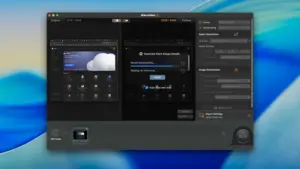
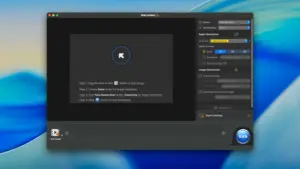





This is exactly same as VideoProc Converter AI.
Don’t know why they make two different versions of it
Mount the image and launch Open Gatekeeper Friendly.
Press Enter to bypass Gatekeeper in the Terminal window.
Drag the application to the Applications folder.
The application is ready to use.
Architecture
ARM, x86 (64-bit)