
With the release of macOS 26, Apple has permanently removed Launchpad. Attempts to bring it back using older methods that worked in beta versions (for example, via Terminal commands) are now blocked by the system.
Fortunately, there are excellent third-party apps that not only restore the familiar functionality, but often expand on it as well. Here is a roundup of the best alternatives.
1.uLauncher
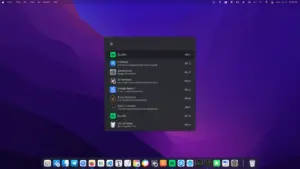
Clean, lightweight launcher with flexible settings. Launches via hotkey, supports search, folder creation, and appearance customization. A great balance of functionality and simplicity.
2.LaunchNow
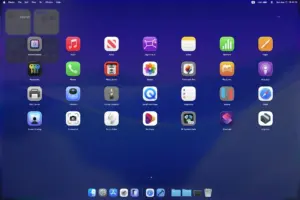
Classic launcher with advanced sorting options: by usage frequency, installation date, and alphabetically. Makes it easy to organize even a large number of apps.
Hi
The best option I’ve found so far is the LaunchOS app. It looks just like Apple’s standard Launchpad and offers simple customization options.
Working version 1.5.5
There’s already a newer version, 2.0.0, but it hasn’t been cracked yet. We’re waiting😁
Hi — thanks for the tip, that’s really helpful! 🙌
Unfortunately the anti-spam system stripped the external link from your comment, so I can’t see which resource you pointed to. 😅 Still, big thanks for sharing the LaunchOS suggestion and the version notes — appreciate it! 😊