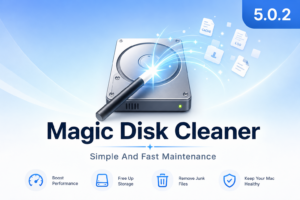
Magic Disk Cleaner
A lightweight Mac App Store utility that scans for removable temporary data—cache folders, logs, and leftovers from uninstalled apps—and lets you review results before anything is deleted.
Simple cleanup workflow
Magic Disk Cleaner starts searching as soon as you open it. Results appear in a list grouped by category so you can see what was found and how much space it uses. Nothing is removed automatically: you pick categories or individual items, then confirm deletion in one step. That manual model suits users who want a quick reclaim pass without an aggressive “clean everything” cleaner.
The app is small (about 3 MB), runs on current macOS releases, and is localized in English plus nine additional languages. Developer Sascha Simon states that no usage data is collected according to the App Store privacy label.
What the 5.0 line adds
Version 5.0 redesigned the interface and expanded scan targets beyond generic temp files. Documented new categories include developer caches (Xcode DerivedData, Homebrew, npm, and related package-manager data), messaging and chat app caches (including Slack and WhatsApp-related paths in the 5.0 cycle), browser caches such as Edge, Electron app caches, system and app log files, and local iOS device backups. Performance and stability improvements shipped with the 5.0.0–5.0.1 releases that established this category set.
Platform and pricing
Magic Disk Cleaner is sold on the Mac App Store for a one-time purchase (currently $0.99 in the US listing) and requires macOS 15.6 or later. It is also bundled in the developer’s System Cleaning Pro and Ultimate Collection app bundles on the store.
Version 5.0.2 is a maintenance update: the App Store release notes list bug fixes and improved stability only, with no additional feature changes documented for this build.