

Geekbench v6.7.1 — CPU & GPU benchmark suite
Geekbench 6 is a cross-platform benchmarking tool from Primate Labs that measures real-world CPU and GPU performance with workloads designed to reflect modern apps—from image processing and machine-learning style tasks to graphics compute. Results are summarized as single scores so you can compare phones, tablets, PCs, and Macs on a common scale (within the same major version family).
Geekbench is widely used for hardware reviews, purchase decisions, thermal tuning, and before/after comparisons when upgrading RAM, storage, or cooling.
What’s new in Geekbench 6.7.1
Released 2026-04-28 per official release notes:
- Fix Geekbench Browser connection errors on Android and Linux.
Version 6.7.0 (2026-04-07) added broader improvements such as Intel BOT detection, better SoC identification on Android, improved CPU identification on Linux/RISC-V, and stability fixes on Linux/ARM—useful context if readers are comparing patch levels.
Primate Labs states that Geekbench 6.7 scores remain fully comparable with 6.3–6.6 (see their Geekbench 6.7 announcement for the comparability note).
Why people run Geekbench
Quick sanity checks: verify that a new machine performs where expected.
Stress vs. efficiency: compare scores across power modes, laptops on battery vs. AC, or firmware updates.
Online result browser: upload and browse results on Geekbench Browser when connectivity works (the 6.7.1 patch specifically targets connection issues on some platforms).
Official download & docs
- Release notes: Geekbench 6 Release Notes
- Product: geekbench.com
Benchmark scores depend on thermals, background apps, and power settings—close other heavy software before testing.
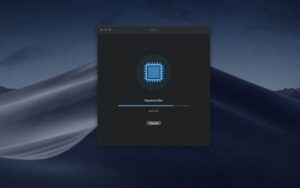
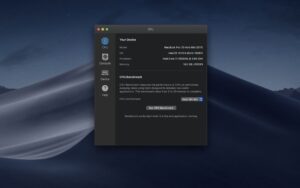





Mount the image and launch Open Gatekeeper.
Press Enter to bypass Gatekeeper in the Terminal window.
Drag the application to Applications.
The application is ready to use.
Architecture
x86 (64-bit)