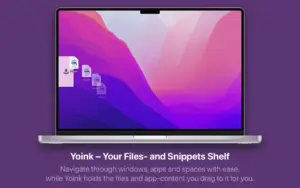
Yoink is a macOS utility by Eternal Storms Software that acts as a temporary shelf for drag-and-drop: drop files, images, or text snippets onto its edge panel, navigate freely, then drag items out to their final destination.
How Mac users work with it
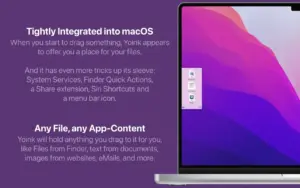
When you start dragging in Finder, a browser, or many other apps, Yoink appears at the screen edge (or at your cursor, if configured). You stash multiple items—website images, text selections, Finder files—then move to another window, Space, or fullscreen app without keeping the mouse button held. Dragging out behaves like Finder: Option forces copy, Command forces move. A keyboard shortcut hides or shows Yoink, recalls recent shelf items on long-press, and saves clipboard contents on double-press. Quick Look previews, clipboard history (with password-manager exclusions), Continuity Camera, Handoff, Share extensions, and per-app ignore lists round out the workflow.
Licensing and platforms
Yoink for Mac is a one-time purchase ($8.99 USD on the developer site; regional prices may differ) on the Mac App Store, eternalstorms.at, or Setapp. A 28-day trial is available from the website. Requires macOS 10.13 High Sierra or later. A separate iOS/iPadOS Yoink app exists for mobile; Handoff between Mac and iOS needs both purchases.
Version 3.7.3
Build 3.7.3 is a focused maintenance release that improves dragging from web browsers—especially Microsoft Edge—and fixes cases where browser drags produced unfinished files or empty-folder promise-drags failed to show as fully loaded. It follows the 3.7 line that added trash indicators, muteable “file in trash” popovers, and Quick Look pinning in 3.7.0–3.7.2.