

Airtool v2.7.5 for Mac
Airtool 2 by Intuitibits is a professional Mac utility for Wi‑Fi packet capture: start monitor-mode captures in a few clicks, save to standard formats, and open results in Wireshark for analysis.
Version 2.7.5 (May 12, 2026) is a focused maintenance update for newer Apple Silicon Macs.
What’s new in v2.7.5
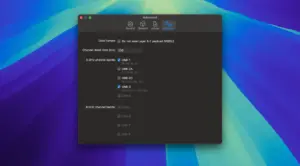
- Removes “Capture All” options on MacBook Pro M5 Pro/Max, MacBook Air M5, and MacBook Neo, where channel hopping is not currently reliable
- Other minor fixes and improvements
What Airtool 2 does
Easy Wi‑Fi captures: use the Mac’s built-in adapter or external/remote setups for WLAN troubleshooting.
Wireshark workflow: auto-open captures in Wireshark—or view live captures when configured.
Remote & multi-channel: capture via Linux sensors (e.g. WLAN Pi) and combine multiple adapters for multi-channel analysis.
More than Wi‑Fi: Zigbee and Bluetooth LE via supported USB sniffers; optional iOS packet traces for network debugging.
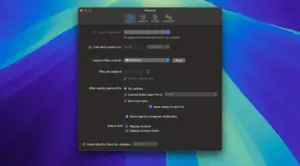
Pro options: capture limits, file rotation, slicing, and integrations with services like CloudShark and Packets.
Compatibility notes
Requires macOS 13.5 or later (per vendor). On newest Wi‑Fi chips (N1 / A18 Pro class Macs), built-in capture may need macOS Tahoe 26.5+; channel hopping limitations are documented in official known-issues.
- Product: intuitibits.com/products/airtool2
- Release notes: Release notes





Mount the image and launch Open Gatekeeper Friendly.
Press Enter to bypass Gatekeeper in the Terminal window.
Drag the application to the Applications folder.
The application is ready to use.
Architecture
ARM, x86 (64-bit)