

Unite Pro v1.4 for Mac
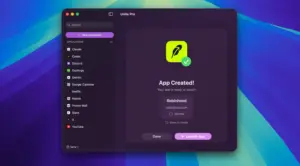
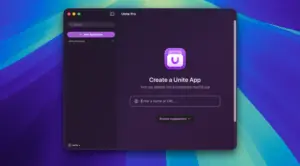
Unite Pro by BZG turns any website into a focused Mac app—with its own icon, window, and rules—so Gmail, Slack, Notion, or internal tools live outside a crowded browser tab bar.
It is a ground-up rebuild of the classic Unite line, tuned for recent macOS releases (vendor messaging targets macOS 15+ and modern Tahoe-era UI).
How Unite Pro works
Three app modes: run sites as a normal window app, a sidebar companion, or a lightweight menu bar utility—and switch modes per app.
Smart setup: creation flow suggests names, icons, URLs, and defaults so first launch feels native.
Website controls: hide page clutter, tweak typography/color, force light/dark, and tune readability without leaving the app.
Scripts & styles: per-URL customization with optional sync of zoom, user agents, and rules across your Unite apps.
macOS integrations: badge notifications, meeting alerts (Google Calendar / Outlook where supported), link forwarding with SSO-aware routing, permissions manager, download manager, ad blocking, and optional AI companion overlay (ChatGPT, Claude, Gemini, Grok per vendor list).
Recent line improvements (1.3 era)
The 1.3 release added Open in Default Browser on links, better Cloudflare/Akamai compatibility, WebKit performance gains (notably on heavy sites), and fixes for sidebar link forwarding and download UI—likely carried forward in 1.4 maintenance.
Official links
- Product: bzgapps.com — Unite Pro
- Changelog: Unite changelog





Run the downloaded image and drag the app to the Applications folder shortcut.
Once the copy is complete, you can launch the app through Launchpad.
Architecture
ARM, x86 (64-bit)