Batch audio metadata editing on Mac
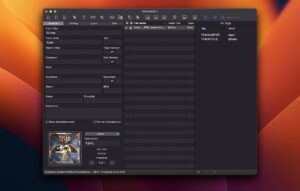
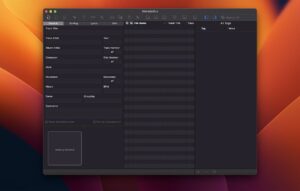
Metadatics from Mark V Apps is a native macOS metadata editor for cleaning up large music libraries—edit tags, artwork, and filenames across hundreds or thousands of files in one workflow.
Tag editing at library scale
Open MP3, M4A, AIFF, WAV, FLAC, OGG, APE, WMA, and more, then edit ID3, MP4, Vorbis, APE, and ASF tags in a spreadsheet-style view. Built-in functions replace text, renumber tracks, copy fields between tags, fix encodings, and convert title case without scripting.
- DJs and collectors: fix inconsistent album artist, track, and disc tags after imports.
- Rippers and archivists: pull metadata and cover art from MusicBrainz, iTunes, or Discogs.
- Organizers: rename files and build folder structures from tag values automatically.
Artwork, undo, and export
Manage multiple artwork images per file, extract covers, resize formats, and preview with Quick Look. Full undo and redo let you experiment safely, and CSV import/export moves metadata between Metadatics and other tools.
Metadatics 1.7.2
Version 1.7.2 requires macOS 10.13 or later on Intel and Apple Silicon Macs and fixes MusicBrainz API lookup, file-access crashes, batch file removal performance, and save prompts before removing tracks. Sold on the Mac App Store as a one-time purchase.