What SiteSucker Pro does on Mac
SiteSucker Pro is a macOS utility that automatically downloads websites to your hard drive so you can browse HTML, images, PDFs, and related assets offline with the same folder structure as the live site.
Developed by Rick Cranisky, SiteSucker starts from a URL and asynchronously copies pages and linked files. By default it localizes links so offline browsing works without an internet connection, but you can also save unmodified copies for maintenance or archival use. Download jobs can be saved as documents and resumed later if a transfer is interrupted.
How a typical Mac workflow looks
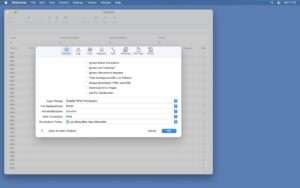
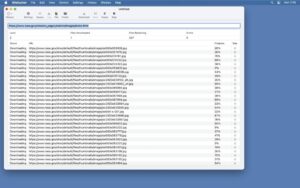
You enter a site address, adjust settings such as depth limits, file filters, and delay rules, then let SiteSucker crawl and save content into a local folder. For recurring backups of your own sites, you save a document and reopen it when you need a fresh mirror. The Pro edition adds capabilities the standard Mac App Store build lacks: embedded video capture from YouTube, Vimeo, WordPress, and Wistia, plus downloads from sites accessed through the Tor network.
Version 6.1.8
Build 6.1.8 is a maintenance release focused on stability and offline link handling. Official release notes document fixes for web view crashes during subresource saves and authentication challenges, plus improved localization of URLs whose fragments contain HTML entities. The developer notes that SiteSucker should only be used for content you have the right to access.
Requirements and licensing
SiteSucker Pro 6.1.8 is a universal app for Intel and Apple Silicon Macs and requires macOS 12 Monterey or later, plus an internet connection for downloads. You can try it free for 14 days with a 100-file limit per session; full use requires purchase through the in-app registration dialog or the FastSpring store. The standard SiteSucker app remains on the Mac App Store; Pro is distributed directly from the developer site.