

Scrutiny 12 v12.12.1 for Mac
Scrutiny 12 by Peacock Media is a Mac webmaster suite for link checking, SEO analysis, HTML validation, accessibility testing, sitemaps, spelling, and scheduled site reports—built on the same engine as Integrity Pro.
Version 12.12.1 (May 2026) fixes issues with archive during scan, especially when scanning a list of links.
What’s new in v12.12.1
- Fixed: problems with Archive during scan when working through a list of links
Recent builds also added invalid SSL certificate detection (with an option to accept expired certs for testing), lazy-load image discovery via data-src attributes (v12.12.0), and macOS 26 licensing/UI updates in the 12.11.x line.
Key features
- Link checker: crawl sites, authenticate, render JavaScript, test links in PDFs and Word (.docx), flag mixed HTTP/HTTPS content
- SEO: missing titles/descriptions, thin content, keyword stuffing, images without alt text, searchable results
- HTML validation and WCAG-oriented accessibility tests (with human review still required for subjective checks)
- XML sitemap export (images/PDFs optional); spelling and grammar via macOS dictionaries
- Reports with charts; schedule scans and email results
- Search site across crawled content; export and filter large datasets
Requirements & licensing
- Version: 12.12.1 (Scrutiny 12)
- Platform: macOS
- macOS: 11.5 Big Sur or later (older macOS: use pinned builds per vendor)
- License: $149 USD one-time purchase; 30-day trial (export disabled in trial)
- Upgrade: free for Scrutiny v7+ licence holders
Official: peacockmedia.software/mac/scrutiny · Version history
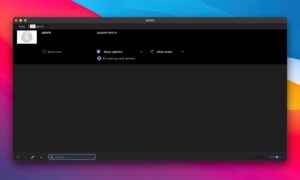
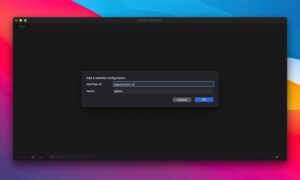




Mount the image and launch Open Gatekeeper Friendly.
Press Enter to bypass Gatekeeper in the Terminal window.
Drag the application to the Applications folder.
The application is ready to use.